MY ROLE
Product Designer

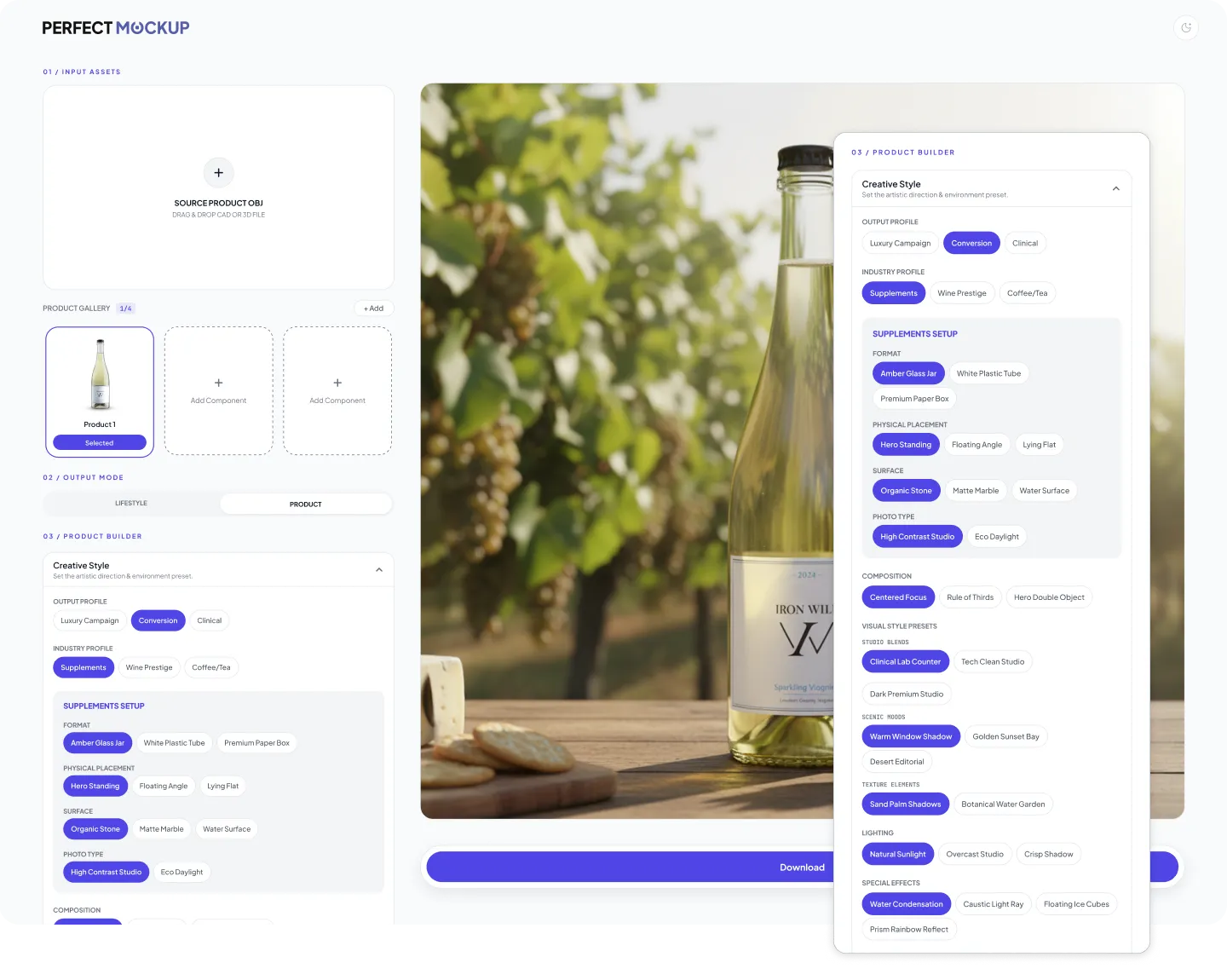
One product
photo. An entire
visual system.
MY ROLE
Product Designer
CONSTRAINT
Open-ended AI generation depends on prompt skill and can lose product, packaging or composition fidelity.
DECISION
Replace a blank-prompt workflow with a guided input → intent → control → output system.
EVIDENCE IN THIS CASE
Workflow steps, generation modes, ecommerce controls, output examples, states and plan structure.
VALIDATION STATUS
The product behavior and interface system are documented here. Measured usability or adoption impact is not presented as a result.
01
Ecommerce teams need a constant stream of product visuals for PDPs, ads, marketplaces, landing pages, social, and campaigns.
Traditional production is expensive and slow to repeat. Generic generation can be too open-ended, dependent on prompt skill, and unreliable when the product, packaging, label, and proportions need to stay recognizable.
ROLE
Product Designer
SCOPE
Product strategy, UX/UI, conversion
SYSTEM
AI workflows and Figma design system
02
Generic AI tools maximize freedom, but shift too much product risk onto the user: prompt quality, product fidelity and commercial usability all depend on interpretation. I reframed the experience around guided decisions so the system carries more of that complexity.
01
INPUT
Start from the real product
02
INTENT
Choose the visual job
03
CONTROL
Guide the creative decisions
04
OUTPUT
Generate a usable asset
03
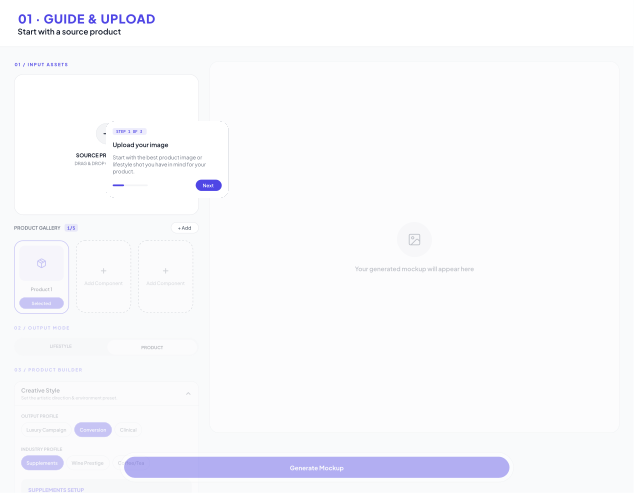
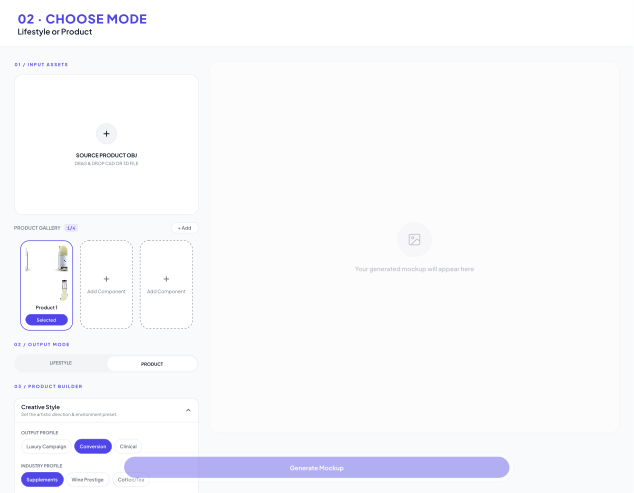
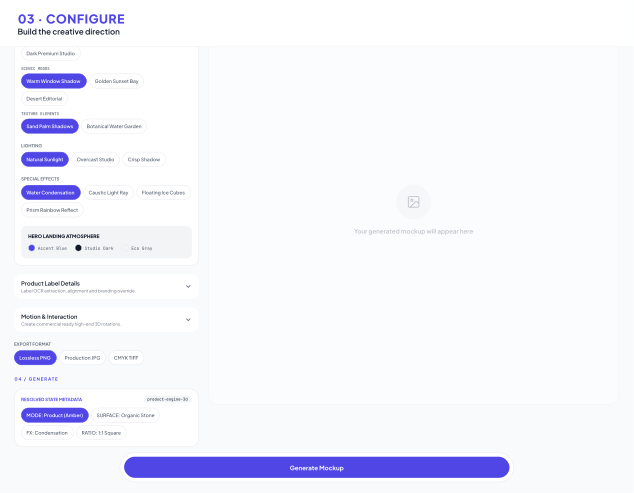
The workflow moves from source product to production mode, ecommerce controls and output. Instead of asking users to engineer prompts, the product translates commercial intent into a constrained sequence of decisions.
01 / UPLOAD
02 / MODE
03 / CONTROLS
04 / GENERATE
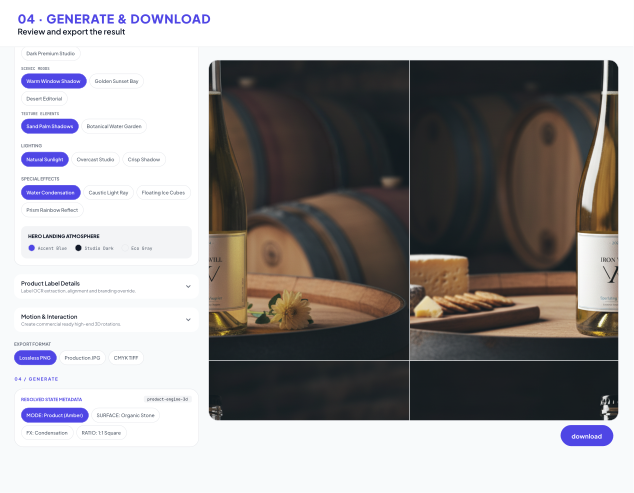
04
Different ecommerce jobs need different levels of product emphasis, lifestyle context, styling, and format control. The interface exposes those decisions without making the user invent the workflow from scratch.
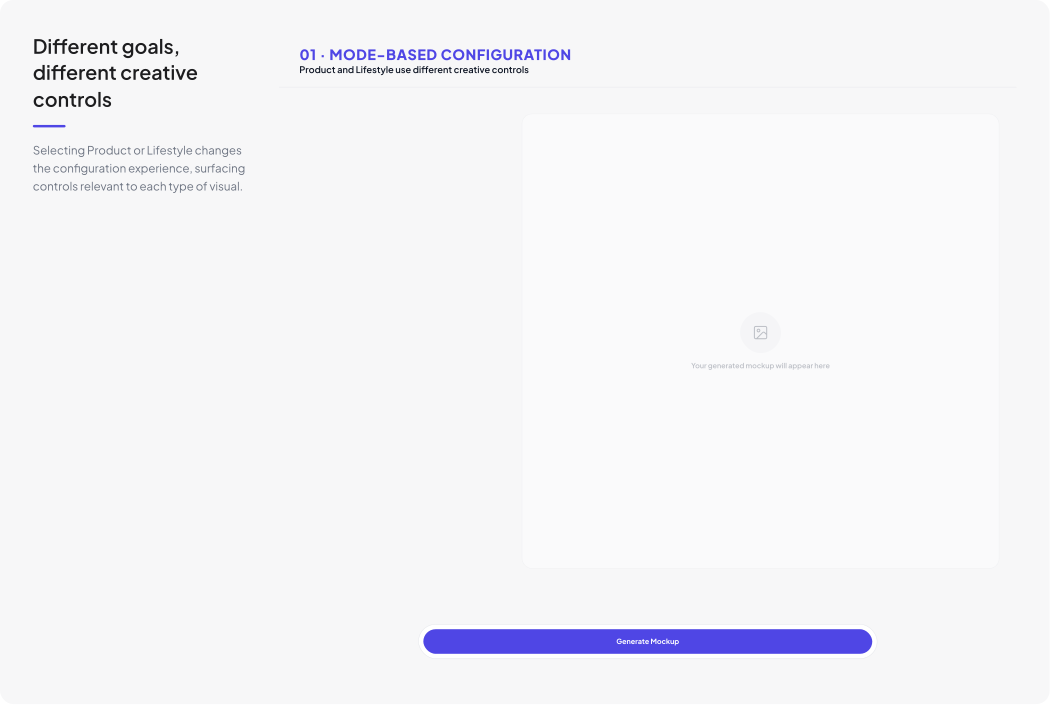
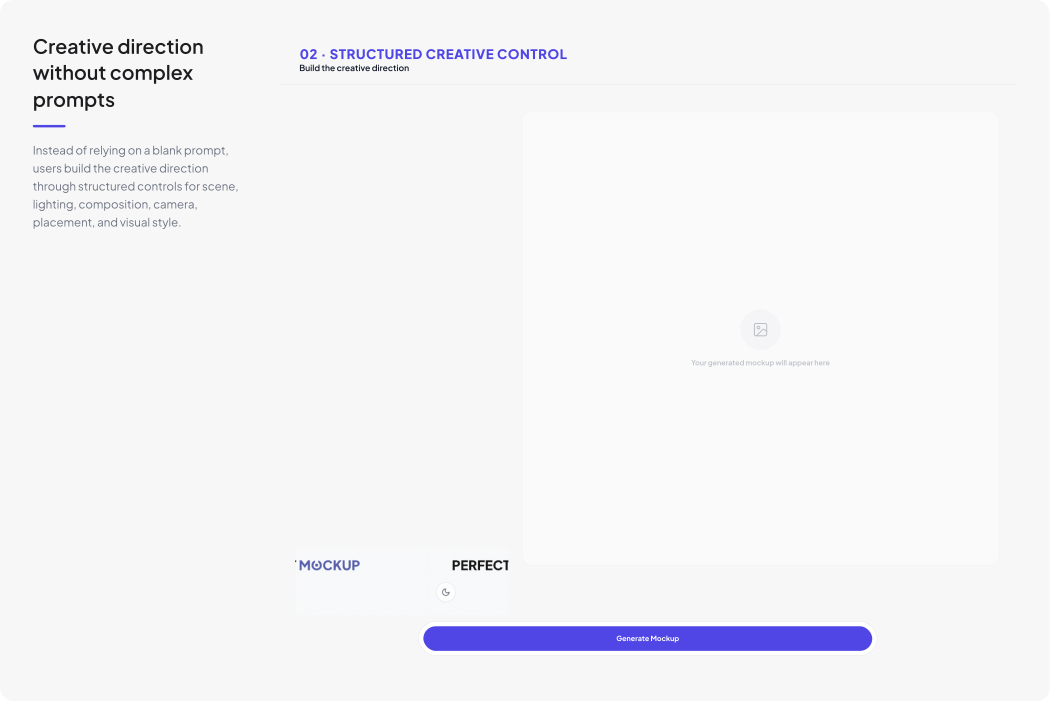
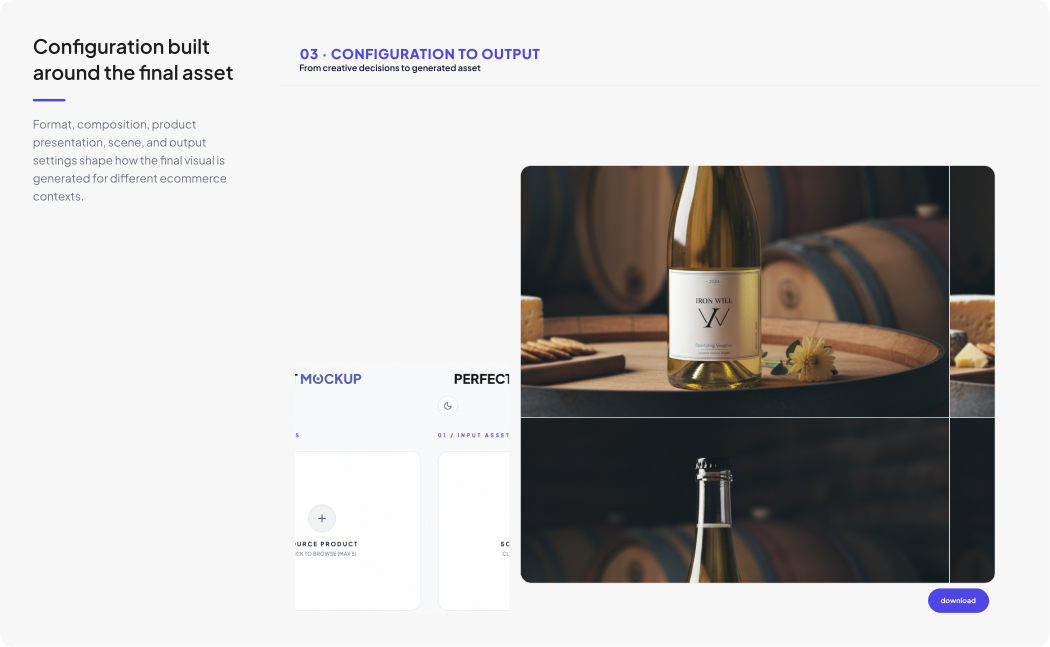
05
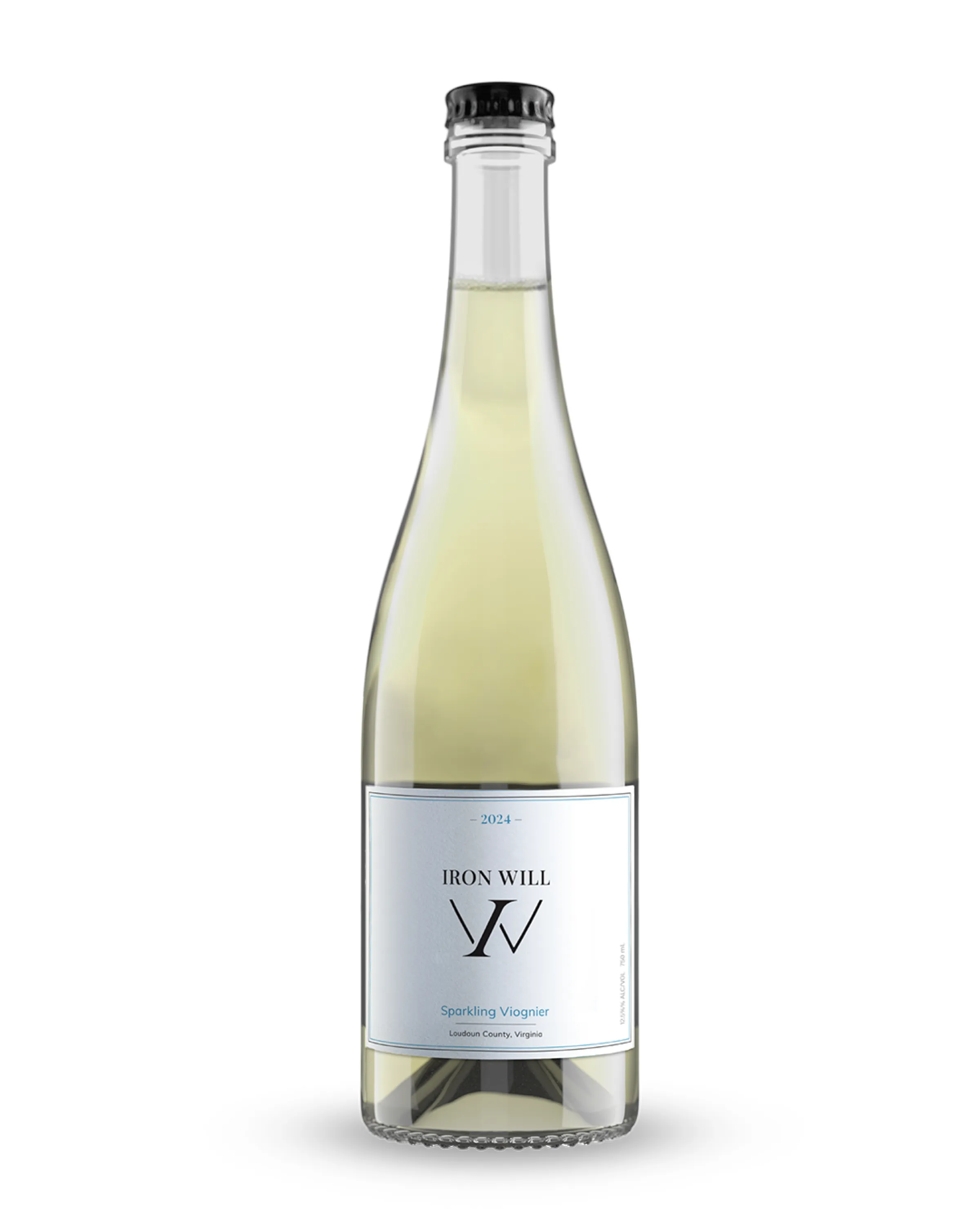
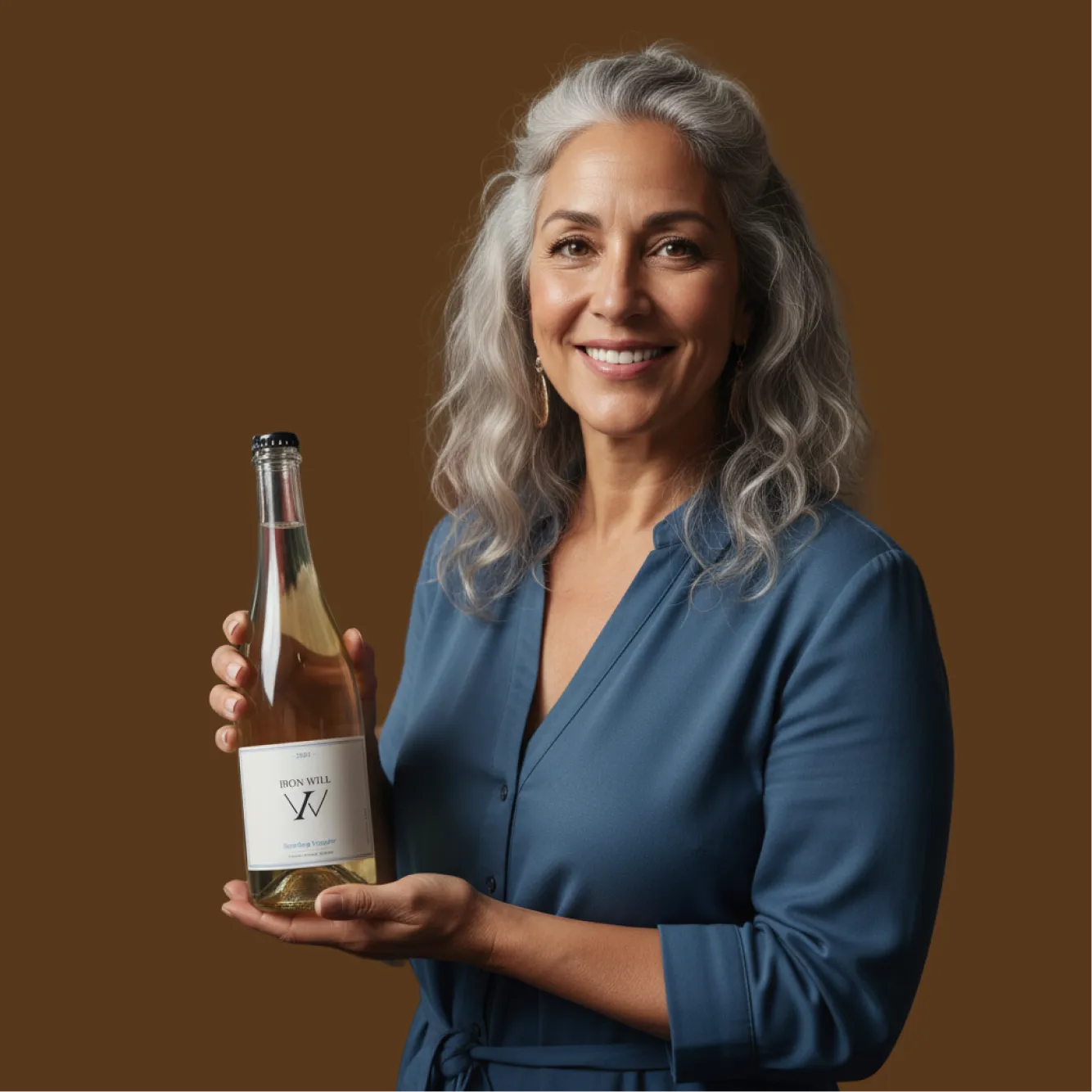
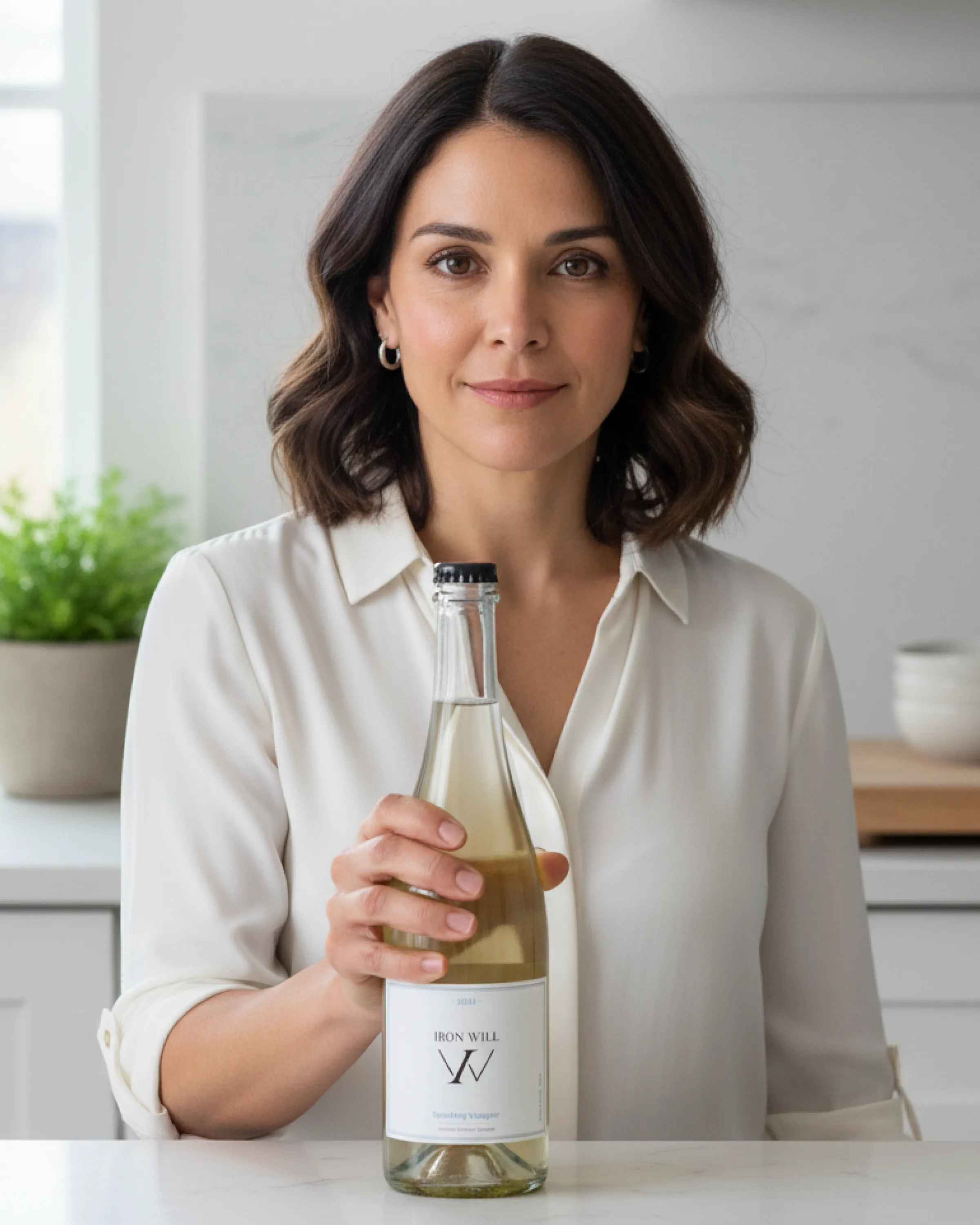
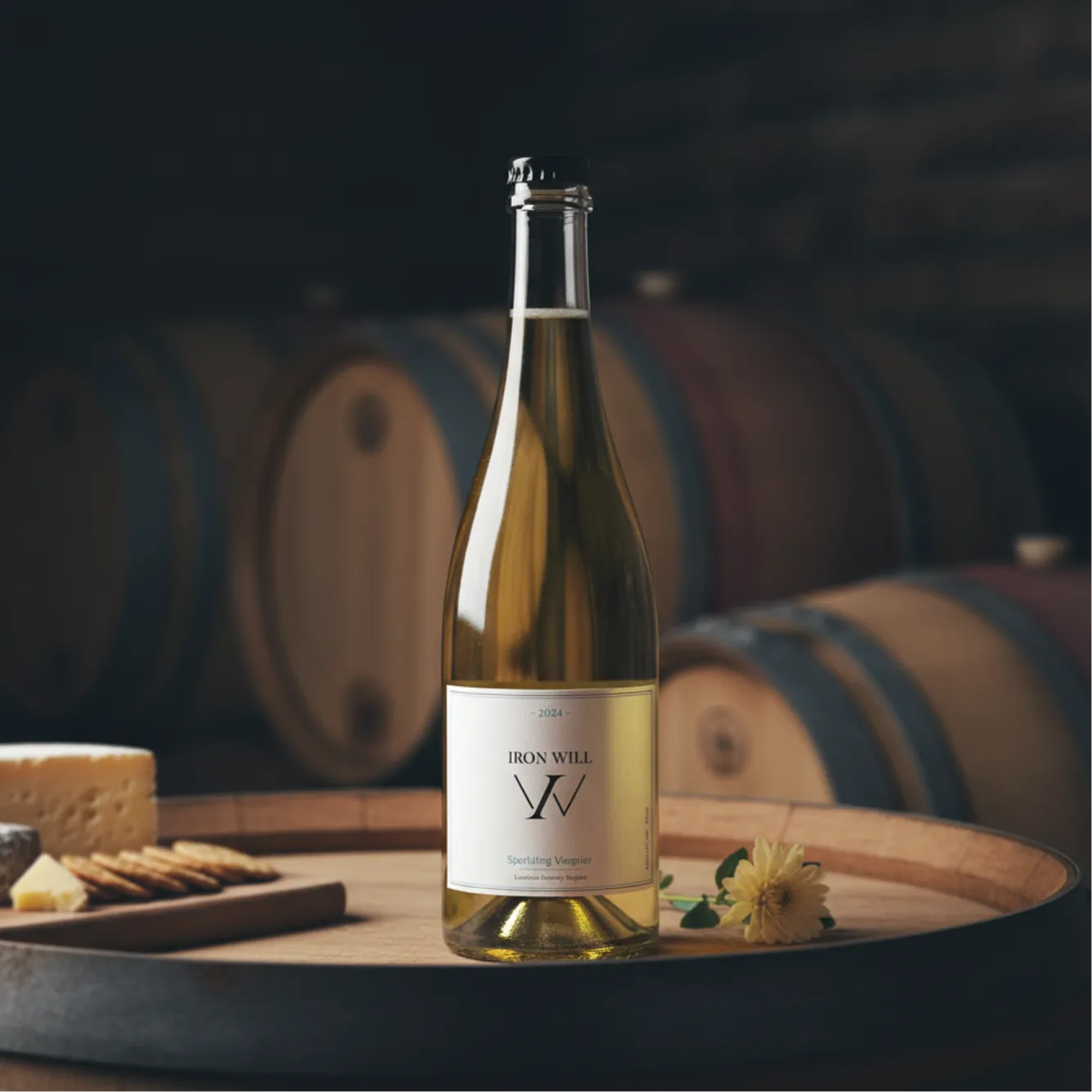
Presets map one source product into multiple visual jobs: product pages, lifestyle storytelling, creator content, campaign assets, and landing-page heroes.
01 / PRODUCT
02 / PDP / HERO
03 / LIFESTYLE / UGC
04 / PAID SOCIAL
06
The funnel explains the output, shows the workflow, clarifies credits, and reduces the commitment required to test AI generation.
Generate 2 Free Images ↗
01 / FREE
2 CREDITS
Watermarked exports and a low-friction trial.
02 / CREATOR
20 / MONTH
No watermark, video access, and recurring volume.
03 / STUDIO
60 / MONTH
Higher output, more video, and priority support.
07
Reusable Figma patterns keep typography, colors, product inputs, segmented controls, prompt settings, credits, buttons, and generation states consistent as new modes are added.
01 / FOUNDATIONS
Color, type, spacing and visual tokens
App BG
#F9FAFB
System
#F5F5F7
Surface
#FFFFFF
Border
#E5E7EB
Muted
#9CA3AF
Primary
#1F2937
Accent
#4F46E5
Blue
#3B82F6
TYPOGRAPHY
Display / Page Title
Heading 1
Heading 2
Body Large — The quick brown fox jumps
02 / CORE COMPONENTS
Reusable controls and interaction states
01 PRIMARY BUTTON
02 INPUT

03 / PRODUCT COMPONENTS
Reusable patterns built around the generation workflow
SOURCE PRODUCT
DEFAULT
SOURCE PRODUCT
HOVER STATE
SOURCE PRODUCT
DISABLED
SOURCE PRODUCT
COACHMARK
04 / ACCORDION SECTION
Creative Style
Fine-tune the output tone and aesthetic framing
Product Details
05 / FIXED GENERATE BAR
06 / PROPERTY SETTINGS CARD
SUPPLEMENTS SETUP
Configure container attributes and rendering formats for wellness products.
08
PerfectMockup turns open-ended AI generation into a structured product workflow. Instead of asking users to become prompt experts, the experience guides them from product input to creative intent, controlled generation, and commercially usable output.
01
DESIGN INTENT · LOWER COGNITIVE LOAD
Guided decisions are designed to reduce reliance on open-ended prompting.
02
DESIGN INTENT · PREDICTABLE WORKFLOW
A repeatable path is designed to connect source product to usable output.
03
SYSTEM OUTCOME · SCALABLE PRODUCT PATTERNS
Reusable controls, states and patterns support additional generation modes.