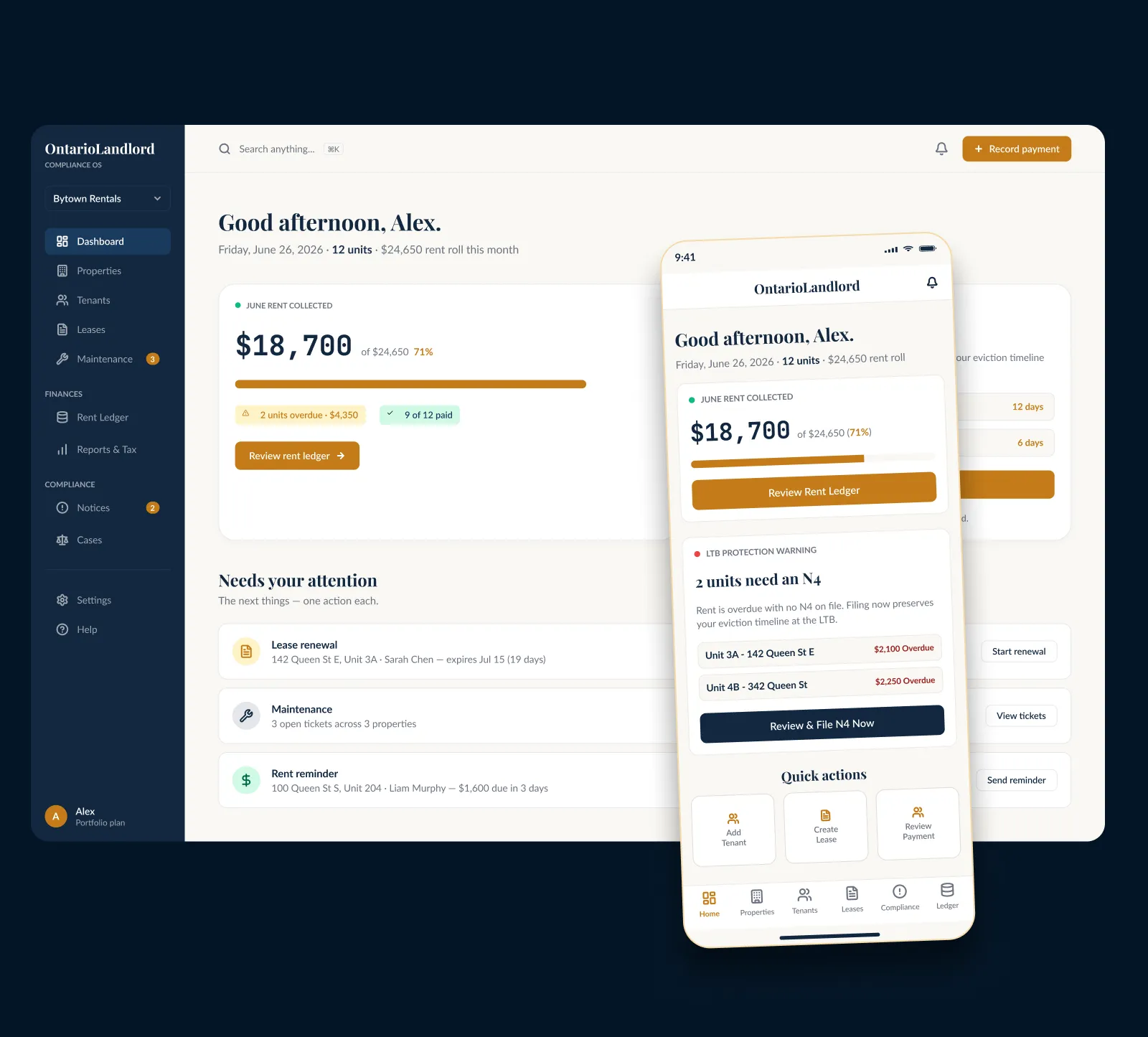
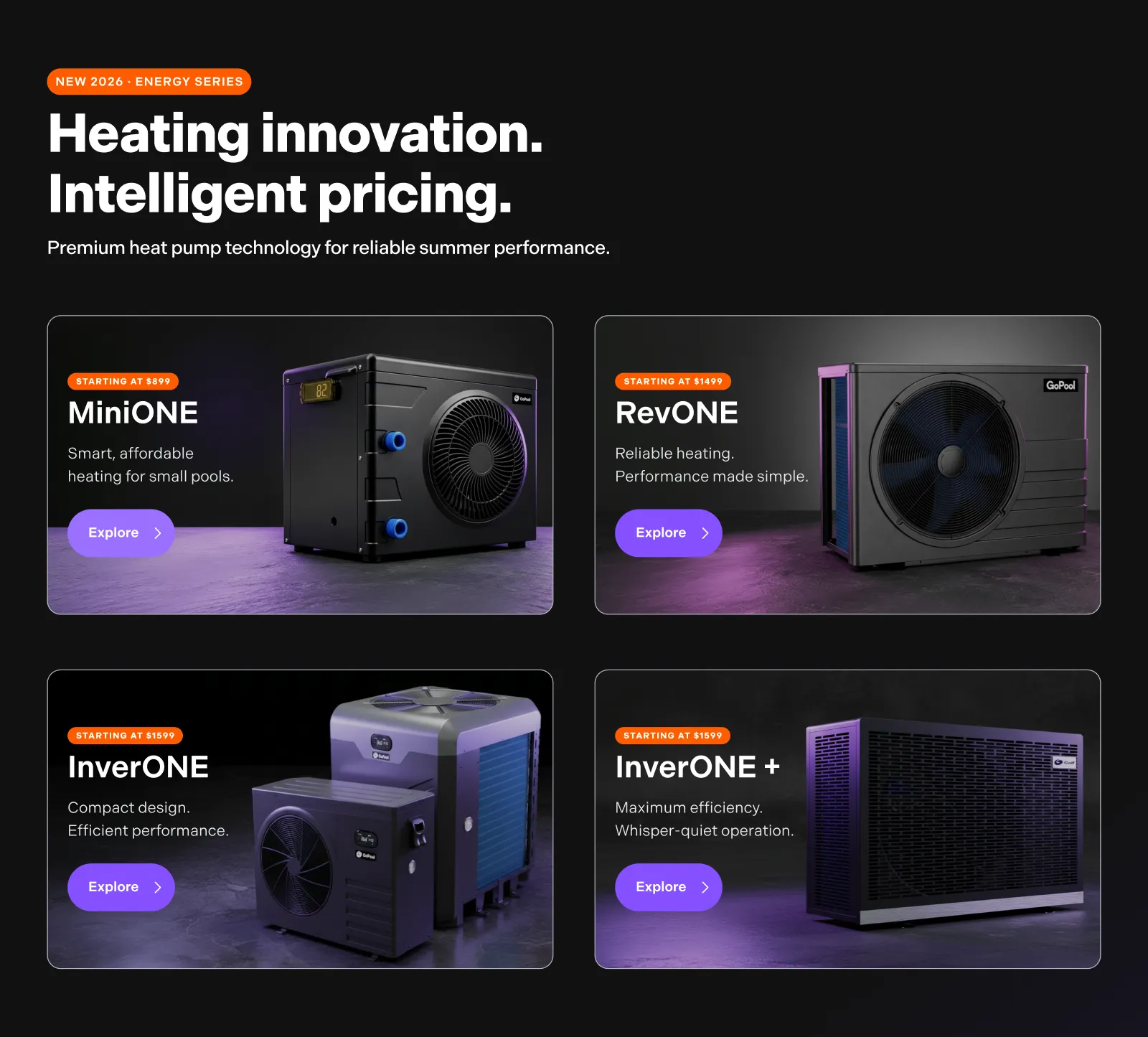
Conversion-Focused UI/UX
Interface systems built for clarity, momentum, and conversion.
I design interface systems that improve clarity, guide decision-making, and reduce friction across ecommerce and landing page flows. Based in Winnipeg, Canada, I work with brands that need stronger structure before they need more decoration.
What conversion-focused UI/UX means
Design that supports decisions, not just presentation.
Strong interface systems reduce uncertainty, organize attention, and make the next step feel clearer. The goal is not to add more interface, it is to make action easier.
Clarity first
Users should understand the offer, the product, and the next step without unnecessary friction.
Hierarchy with intent
The interface should guide attention in the right order, not leave every block competing equally.
Trust at the right moment
Proof, reassurance, and decision support need to appear where doubt actually forms.
Momentum across steps
From landing page to product page to checkout, each screen should carry the same decision logic forward.
Core principle
“Most conversion problems are not visual. They are structural.”
Where conversion-focused UI/UX matters most
Strong interfaces reduce hesitation before users even notice friction.
Conversion-focused UI/UX is not only about layout or style. It is about how visual hierarchy, interaction patterns, content emphasis, and decision cues work together to make the next step feel clear. When the interface is structured correctly, users compare faster, trust faster, and act with less resistance.
Visual hierarchy guides attention
The interface should make it obvious what matters first, what supports the decision, and what can stay secondary.
Interaction patterns reduce effort
Buttons, cards, forms, and navigation should behave consistently so users do not need to re-learn each screen.
Interface cues support comparison
Good UI helps users evaluate options quickly by clarifying differences, benefits, and next actions.
Decision flow stays consistent
The interface should reinforce the same logic from entry point to final action, instead of creating new friction at each step.
Typical applications
Ecommerce UX systems
Homepage, collection, PDP, cart, and supporting templates designed as one conversion system.
Landing pages and offer pages
Pages built to clarify the message fast, structure persuasion, and move users toward the next decision.
PDP optimization
Product pages that sequence value, compatibility, proof, and reassurance more effectively.
Funnels and post-purchase flow
Connected journeys where continuity matters as much as the design of any single screen.
Related services
Adjacent services that support clearer decision-making across the full experience.
Shopify redesign services
Structural redesign for storefront clarity, product discovery, and conversion flow.
Ecommerce UX designer
UX systems for ecommerce journeys that need stronger structure, hierarchy, and user flow.
PDP optimization services
Product page improvements focused on sequencing value, proof, reassurance, and action.
Ecommerce UX case studies
Selected work showing how structure, interface logic, and clarity improve performance.
FAQ
Common questions about conversion-focused UI/UX.
Is conversion-focused UI/UX only for ecommerce?
No. It is useful anywhere users need to understand value quickly, compare options, and move toward a decision with less friction. Ecommerce is one of the clearest use cases, but the same logic applies to landing pages, lead generation, and digital product flows.
Is this about making the interface look better?
Partly, but not mainly. The real goal is to make the interface easier to understand and easier to act on. Strong visual design helps, but structure, hierarchy, sequencing, and continuity usually matter more.
What kinds of pages usually benefit most?
Product pages, landing pages, homepage systems, collection pages, and funnel steps tend to benefit the most because users are actively evaluating, comparing, and deciding.
What usually causes friction on a page?
The main causes are often unclear hierarchy, weak information flow, missing reassurance, competing priorities, and inconsistent interaction patterns. In many cases, the interface is visually acceptable, but the decision path is not well structured.
Best next step
If the interface looks decent but still feels hard to act on, the issue is usually structural.
That is where conversion-focused UI/UX matters most, not making the site louder, but making decisions easier.